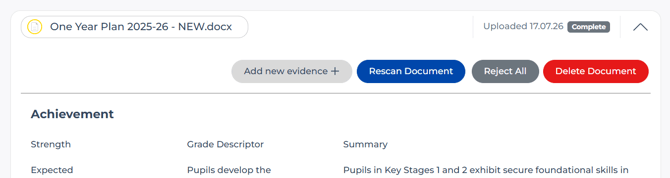
In Upload & Review, while the document still has evidence waiting to be accepted, select the document and click Delete Document.
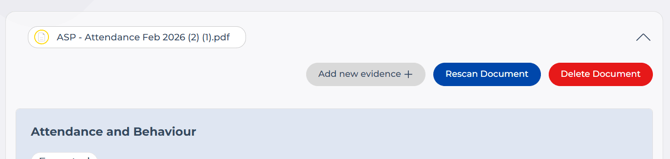
In the Documents section (which lists documents that have at least one piece of accepted evidence), select the document and click Delete Document from there.
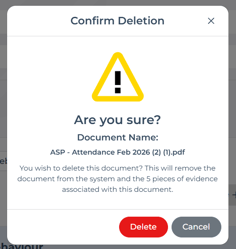
❗Warning: Deleting a document permanently removes the file and all associated evidence - including items already approved and those still awaiting approval in Upload & Review.
Check you've chosen the correct file, then confirm by clicking Delete on the warning message.