
You can do this in two places:
In Upload & Review, while the document still has evidence waiting to be accepted, click to rescan it for another area.
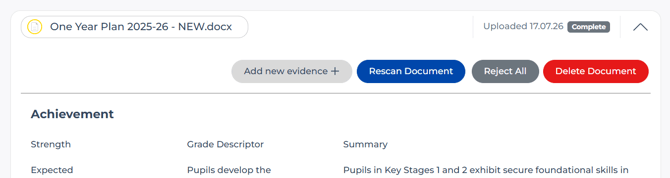
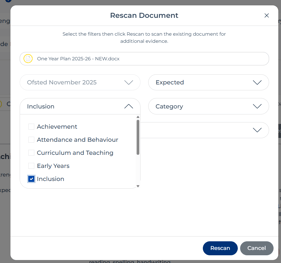
Choose the new strength, category or descriptor to scan for and click Rescan.
In the Documents section (which lists documents that have at least one piece of accepted evidence), select the document and rescan it from there.
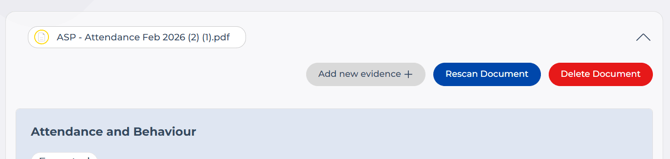
The process is the same either way: click Re-scan Document, choose your strength and category, leave the descriptor blank unless you want to focus on one, then click Rescan.
Give it a couple of minutes - any newly found evidence will then appear in Upload & Review, ready to be accepted or rejected. See Review Your Evidence for how that works.